
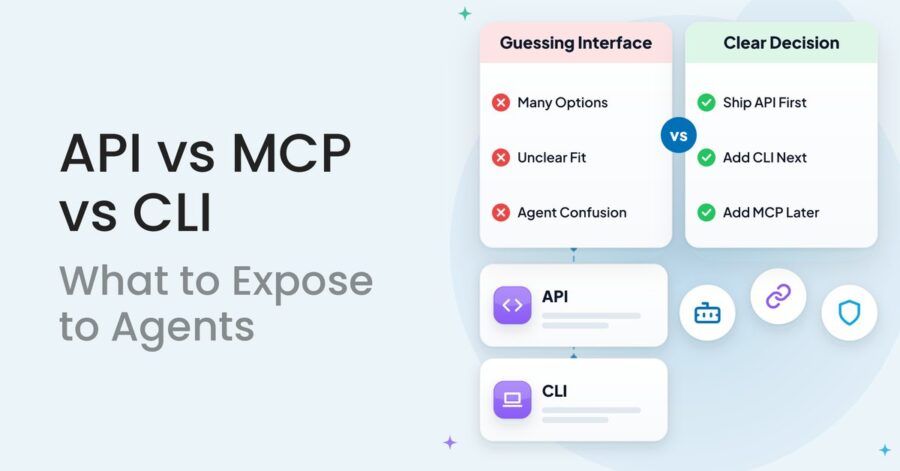
The api vs mcp vs cli question has a short answer: build a clean API first, add a CLI if your users are developers who live in a terminal, and add an MCP server when non-developers need agents inside tools like Claude or ChatGPT to use your product. Don’t ship all three at once. Pick based on who your user is, not on what’s trending this month.
Key Takeaways
- Build the API first: both MCP servers and CLIs are thin layers on top of it, so a weak API makes everything else weak.
- Add a CLI when your users are developers who already work in a terminal and coding agents; it is usually the cheapest in tokens and fastest to ship.
- Add MCP when your users are non-developers working inside Claude, ChatGPT or similar clients, and you need permissioned, discoverable tools.
- MCP connects an agent to your tools; A2A connects agents to other agents; RAG feeds an agent your content. They solve different problems.
- Security is the real trade-off: a CLI inherits the user’s machine and credentials, while MCP lets you scope access per tool.

In this article
- The short answer: one recommendation per situation
- What is the difference between API, MCP and CLI?
- API vs MCP vs CLI: the comparison table
- Is MCP better than API for agents?
- Should I use MCP or CLI for AI agents?
- Which interface is cheapest for AI agents?
- The security trade-off nobody puts in the pitch
- Where A2A and RAG fit
- Which should your product expose first?
- What I would do for an Indian SaaS team
I’m writing this on October 13, 2026, and the debate is still moving. Fern’s June 2026 guide on when to use MCP vs a CLI for API access and MindStudio’s CLI vs MCP vs API comparison both treat it as a real trade-off, not a settled one. Most of what’s out there is written by vendors for developers. This is the product lead’s version: cost, security, and who’s actually on the other end.

The short answer: one recommendation per situation
Match the interface to the person (or agent) doing the work. Here’s the quick version before the detail.
- Your users are developers using coding agents: API plus a CLI. Skip MCP at first.
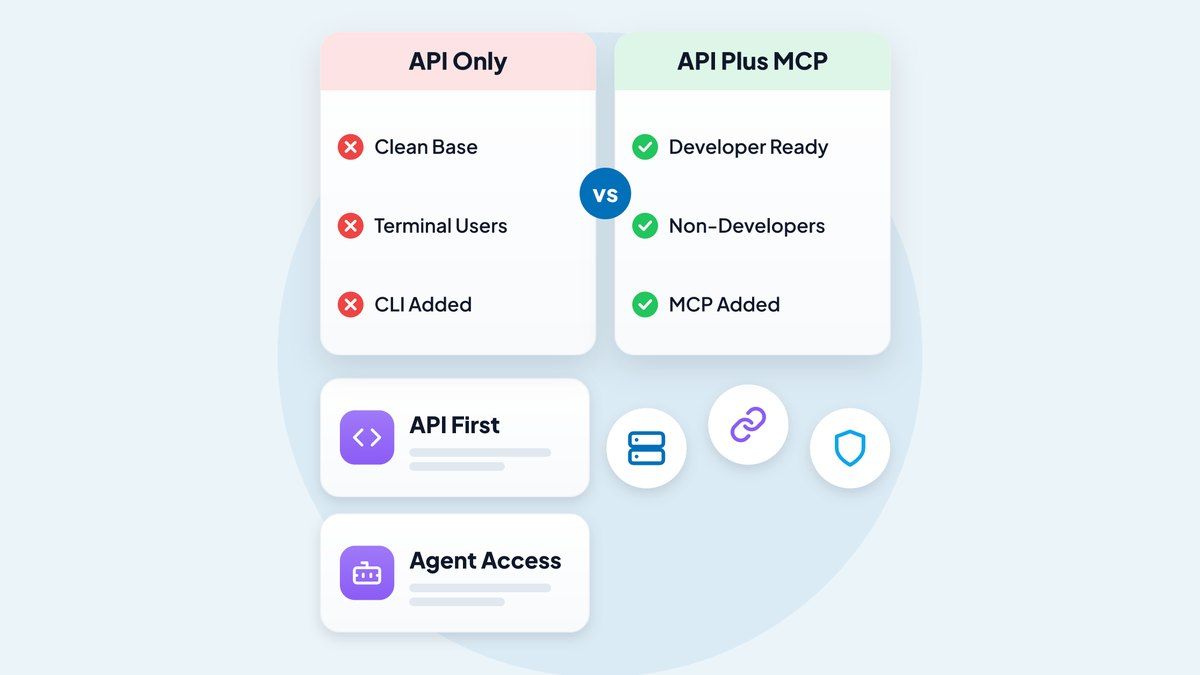
- Your users are business teams using chat-based assistants: API plus an MCP server.
- You have no public API yet: build the API. Nothing else matters until that’s solid.
- You’re connecting your agent to someone else’s agent: look at A2A, not MCP.
- You just want an assistant to answer questions from your docs: that’s RAG, and you don’t need any of the three.
What is the difference between API, MCP and CLI?
An API is the underlying contract for software talking to your product, MCP is a standard way to describe that contract to AI agents, and a CLI is a command-line wrapper a human or agent can run in a terminal. They’re layers, not rivals.
API: the foundation
Your REST or GraphQL API is how any software, including an agent, reads and writes data in your product. It’s deterministic, well understood and works everywhere. The catch is effort: an agent (or the developer behind it) has to read docs, handle auth and write glue code.
MCP: the agent-friendly menu
The Model Context Protocol is an open standard for connecting AI applications to external tools and data. Your MCP server publishes a list of tools with descriptions, so an agent can discover what your product does and call it without custom integration code. Think of it as a menu the agent can read, instead of a cookbook it has to study.
CLI: the developer’s shortcut
A CLI is a terminal program such as yourproduct deploy –env staging. Coding agents already know how to run shell commands, so a good CLI with clear help text and structured output often just works. No protocol, no server to host.
API vs MCP vs CLI: the comparison table
Scored on the five criteria I use with product teams: primary user, token cost, security control, build effort and maintenance. The ratings are my judgment from client conversations and the public guides, not benchmark numbers.
| Criterion | API | MCP | CLI |
|---|---|---|---|
| Best for which user | Developers and integrators building their own software | Non-developers using chat assistants and agent apps | Developers and coding agents in a terminal |
| Token cost for agents | High if the agent reads long docs and raw responses | Medium: tool definitions load into context, which can add up with many tools | Usually lowest: short commands, and the agent already knows the shell |
| Security control | Strong: scopes, keys, rate limits you define | Strong if you scope tools tightly; risky if you expose everything | Weakest: runs with the user’s machine and stored credentials |
| Build effort | Highest, but you probably need it anyway | Medium on top of an existing API | Low to medium on top of an existing API |
| Maintenance | Versioning and docs forever | Tool descriptions must stay in sync with the API | Releases and installs across operating systems |
| Discoverability by agents | Low without an OpenAPI spec and good docs | High: tools are self-describing | Medium: depends on –help quality |
If you only remember one row, make it the first. The same product can need all three, but for different users.
Is MCP better than API for agents?
No, MCP is not better than an API; it sits on top of one. For an agent, MCP is usually easier to use because tools are described in a way models understand, but a badly designed API gives you a badly designed MCP server.
I’ll admit I changed my mind here. A year ago I told teams MCP was where everything was heading and they should build it first. After seeing how many MCP servers were just one-to-one copies of REST endpoints, I stopped believing that. An agent doesn’t need forty tools named after your database tables. It needs five tools named after jobs your customer wants done.
That’s the product-thinking part, and it echoes the lesson in owning the last mile: the winner isn’t who exposes the most surface area, it’s who makes the final step easy for the person doing the work.
Should I use MCP or CLI for AI agents?
Use a CLI when your users are developers and their agent can run shell commands; use MCP when your users aren’t developers or when you need fine-grained, permissioned access. This is the exact question Fern’s June 2026 guide is built around.
When a CLI wins
- Your customers are engineers who already use Claude Code, Cursor or a similar coding agent.
- Tasks are scripted and repeatable: deploy, migrate, export, test.
- You want the cheapest context footprint, because a short command costs fewer tokens than loading a long list of tool schemas.
- You want something shipped in weeks, not a quarter.
When to use MCP
This is the “when to use MCP” test I give CTOs. Reach for it if your buyers sit in sales, ops, finance or support and they’re asking an assistant to “pull last month’s invoices” or “create a ticket.” Those people won’t open a terminal, ever. MCP also wins when you need to restrict what an agent can touch, such as read-only access to reports but no deletes.
In conversations with CTOs, the mistake I hear most is picking by fashion. One team built MCP because a competitor announced it, even though their customers were all backend engineers. A CLI would’ve served them better and cost less.
Which interface is cheapest for AI agents?
A CLI is usually the cheapest to run in tokens, MCP the most convenient for non-technical users, and a raw API the most expensive per task when agents have to read documentation to use it. “Cheapest” has two meanings, so separate them.
Token cost is what the agent burns per task. MCP tool definitions are loaded into the model’s context, so a server with dozens of verbose tools costs you on every call. Fewer, sharper tools fix much of it. Since the agent calls a CLI only when needed, that overhead disappears.
Build and maintenance cost is what you spend. Both a CLI and an MCP server are thin layers over an API, but each is another product you must version, document and support. A small Indian SaaS team with six engineers should count that honestly before saying yes to a second surface.
The security trade-off nobody puts in the pitch
A CLI runs with whatever the user’s machine allows, and an MCP server runs with whatever you let it expose. Neither is safe by default.
With a CLI, stored tokens sit on a laptop, and an agent that’s been tricked by a malicious file or web page can run commands as that user. MCP gives you control of the tool list instead, so you can offer a “view invoice” tool without a “delete account” tool. That’s a genuine advantage. But a loosely built MCP server that passes through every API action gives an agent the same power with more convenience.
My rules: issue narrowly scoped, short-lived credentials; keep destructive actions behind human confirmation; log every agent call separately from human ones. This applies across all three, and it’s the part I’d fight for in any design review.
Where A2A and RAG fit
MCP connects an agent to tools and data. A2A (Agent2Agent) is a protocol for agents to talk to other agents. RAG is a technique that feeds a model relevant content from your documents before it answers. They’re not alternatives to each other.
For the mcp vs api vs a2a question: if you expose “create invoice,” that’s a tool, so API or MCP. Handing a complex task to a partner’s agent and negotiating the result is A2A. Most SaaS products don’t need A2A yet. Revisit it when customers or partners start running agents that need to collaborate with yours.
RAG is separate again. If your goal is “let customers ask questions about our help centre,” you need retrieval over your docs, not a new interface into your product.
Which should your product expose first?
Expose the API first, then choose your second interface by user type. Walk through this flow in order and stop at the first “yes.”
- Do you have a stable, documented API with an OpenAPI spec? If no, build that. Stop here.
- Are most of your users developers using coding agents? If yes, ship a CLI with structured (JSON) output and good help text.
- Are your users business roles working in chat assistants? If yes, ship an MCP server with a small set of job-based tools.
- Do you need agents from other vendors to delegate work to yours? If yes, evaluate A2A.
- Is the real need answering questions from your content? If yes, that’s RAG.
If both developers and business users matter, do the CLI first because it’s cheaper, then MCP once you’ve seen which workflows people actually ask agents to run. Product managers will recognise this as ordinary sequencing: ship the smallest thing that tests the assumption. If you’re new to that discipline, my piece on how to ace your product management role covers the habits.
What I would do for an Indian SaaS team
For a typical Indian B2B SaaS team with a small engineering group, I’d spend the first month on the API: consistent errors, an OpenAPI spec, scoped keys and rate limits. Then ship a thin CLI. Only then would I build MCP, and only with five to eight tools tied to customer jobs.
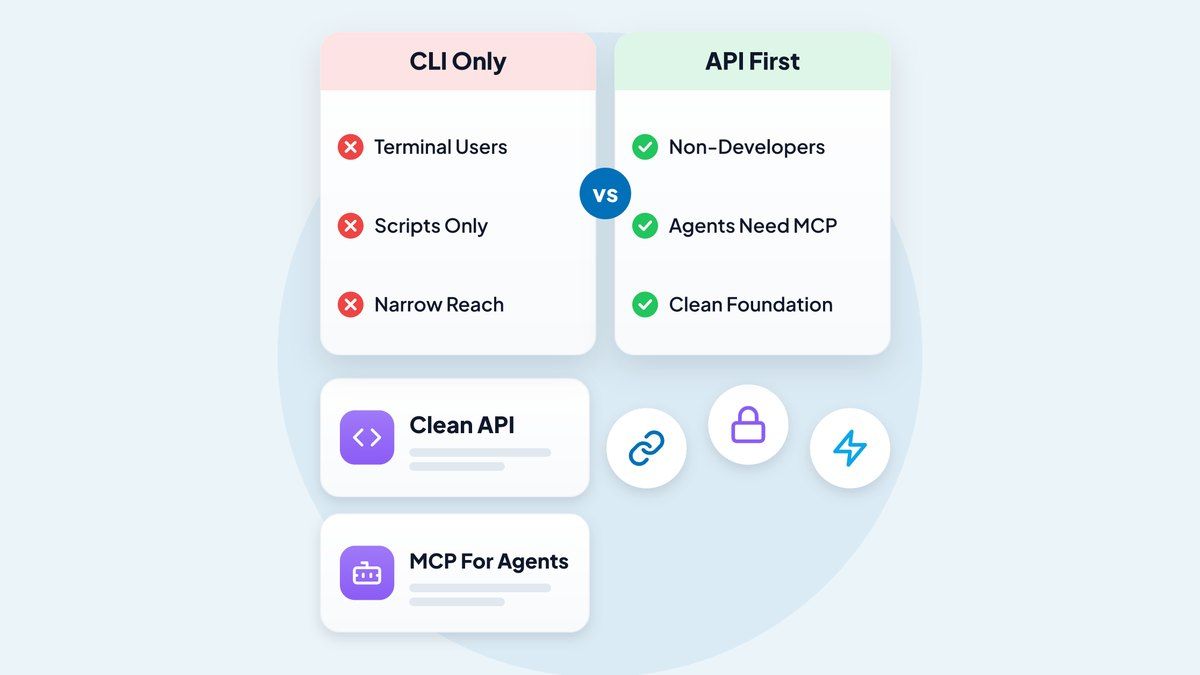
Here’s why. Many Indian SaaS companies sell globally to technical buyers and to non-technical operators at the same time. Technical buyers adopt a CLI within a day. Operators come later and need MCP, but you’ll design far better tools once you’ve seen which commands developers run most. Your CLI usage is free research.
Cost discipline matters too. Every extra surface is a support burden and a security review, and three half-maintained interfaces are worse than one good one. If I had to pick a single stance: the API is the product, and MCP and CLI are packaging. Spend your money accordingly.
If you’re working through this for your own product and want a second opinion on sequencing, see more of my product consulting work or browse the tools and solutions archive.
Frequently Asked Questions
What is the difference between API, MCP and CLI?
An API is the programmatic contract any software uses to talk to your product. MCP is an open protocol that describes your tools so AI agents can discover and call them. A CLI is a terminal program that wraps your API so humans and coding agents can run commands.
Should I use MCP or CLI for AI agents?
Use a CLI if your users are developers working with coding agents in a terminal. Use MCP if your users are non-developers in chat assistants, or if you need tightly scoped, permissioned tool access. Many products eventually offer both.
Is MCP better than API for agents?
Not better, but easier for agents to use. MCP is a layer over your API that makes tools self-describing. If the underlying API is poorly designed, the MCP server will be too.
What is MCP vs A2A?
MCP connects an agent to tools and data, such as your invoicing system. A2A (Agent2Agent) lets one agent communicate and delegate work to another agent. You’d use MCP to expose your product’s functions and A2A to let agents collaborate.
Which interface is cheapest for AI agents?
A CLI is usually cheapest in tokens, since agents run short commands without loading large tool schemas. MCP costs more context when servers expose many verbose tools. Raw APIs can cost the most per task if agents must read long documentation first.